 EnterCrawl
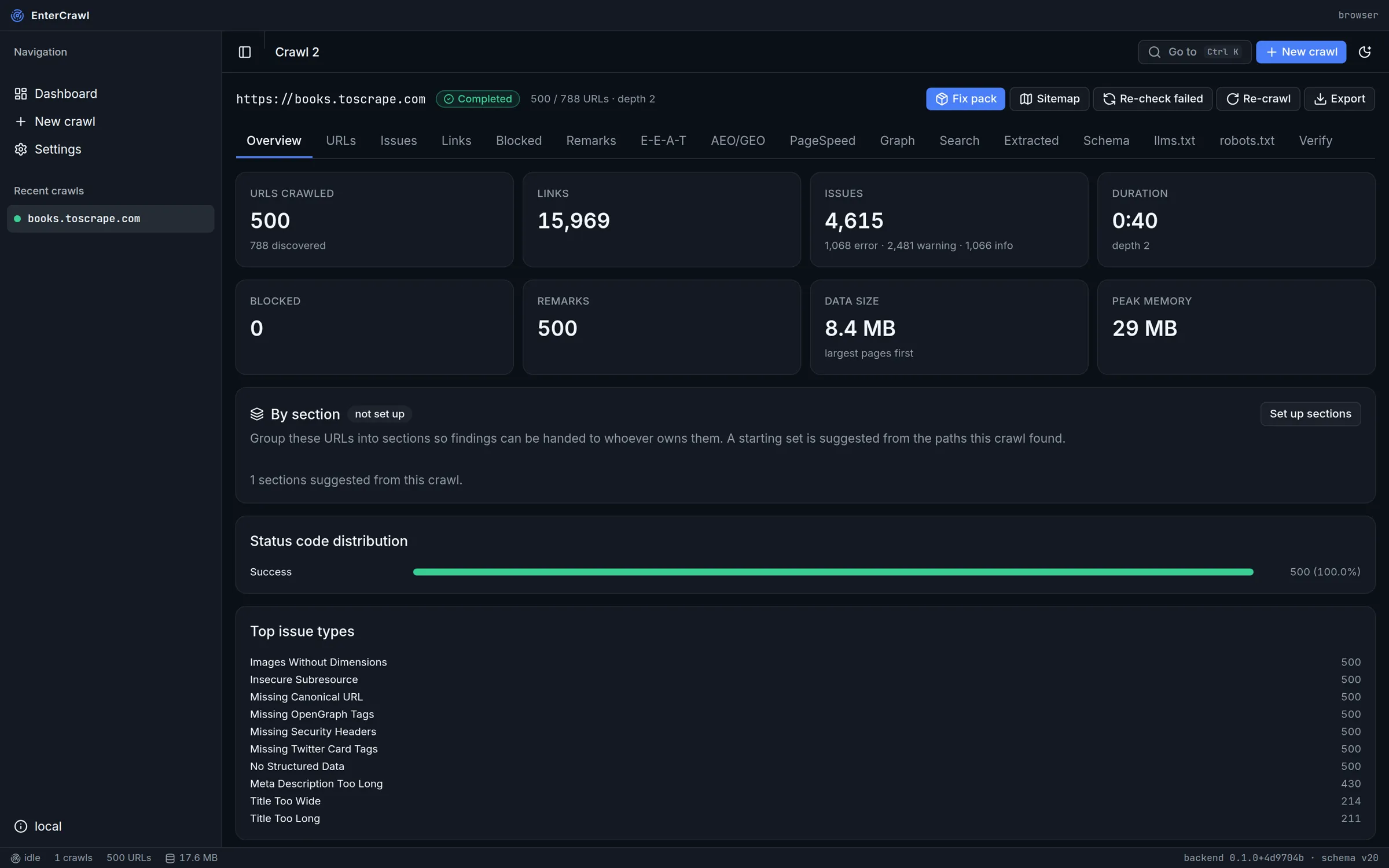
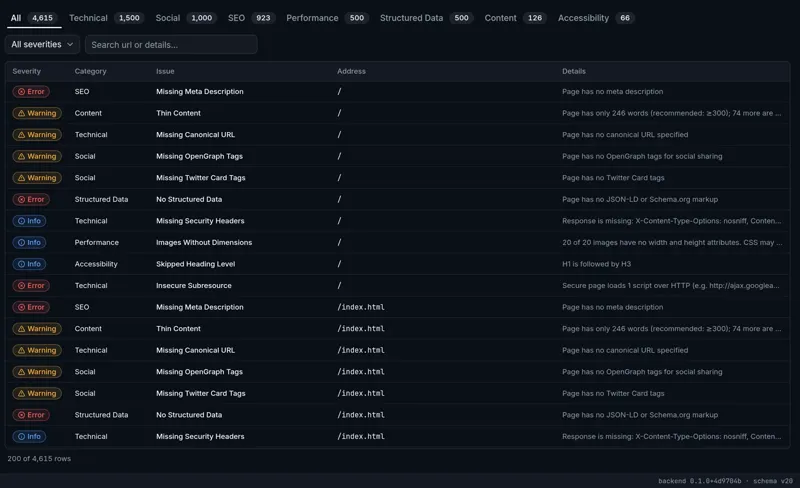
SEO issues by page and severity
Each issue has a severity, a group such as SEO or content, and the address of its page.
EnterCrawl reads every page of a website from your Windows computer and tells you what to fix. It is one 25 MB program file. You do not install it.
Sign in with your Entermind email address to download.
The URLs screen shows each page with its status code, title, word count and load time. Click a row to see its headings, links and server headers.
Read about the URLs screen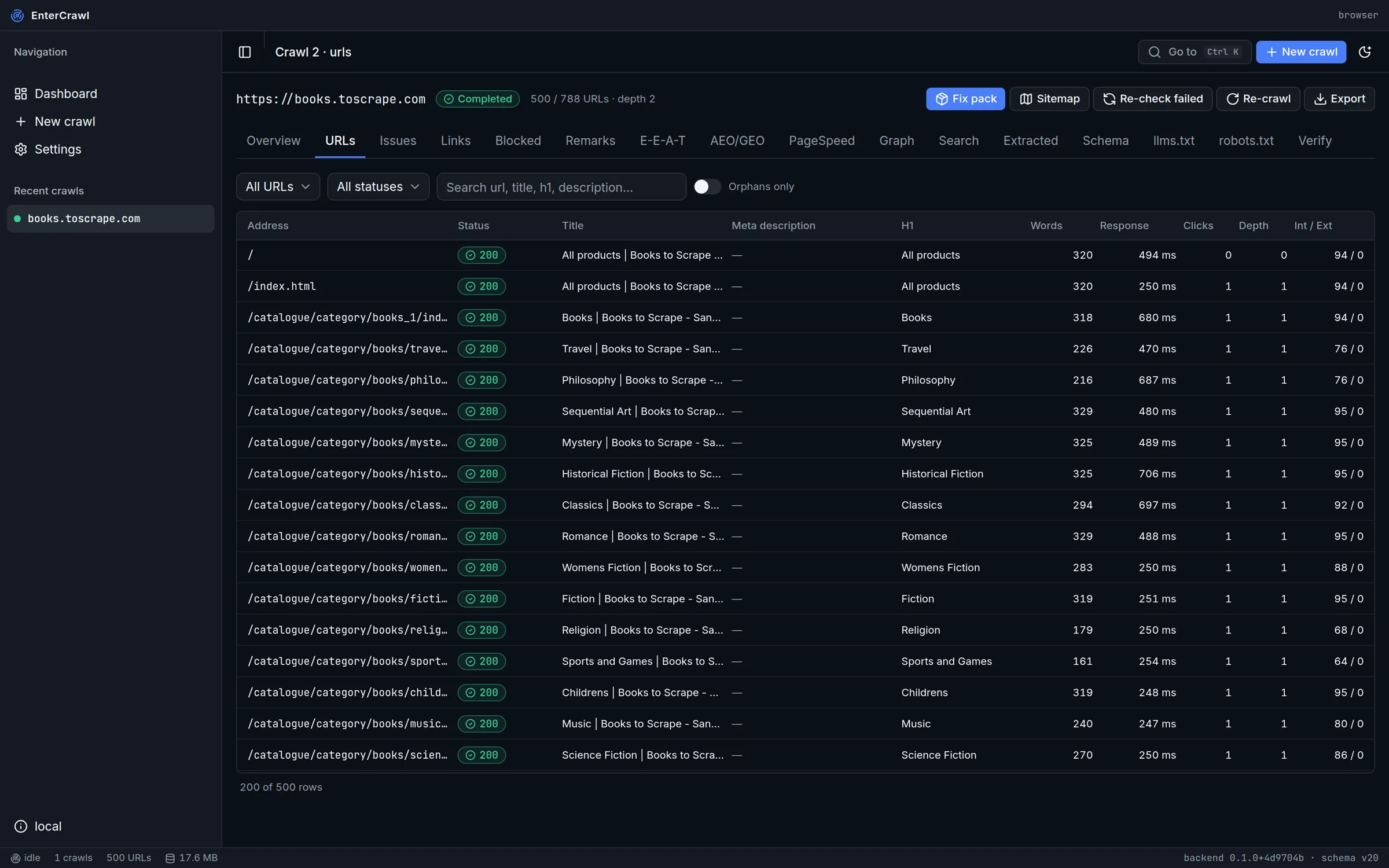
Each issue has a severity, a group such as SEO or content, and the address of its page.
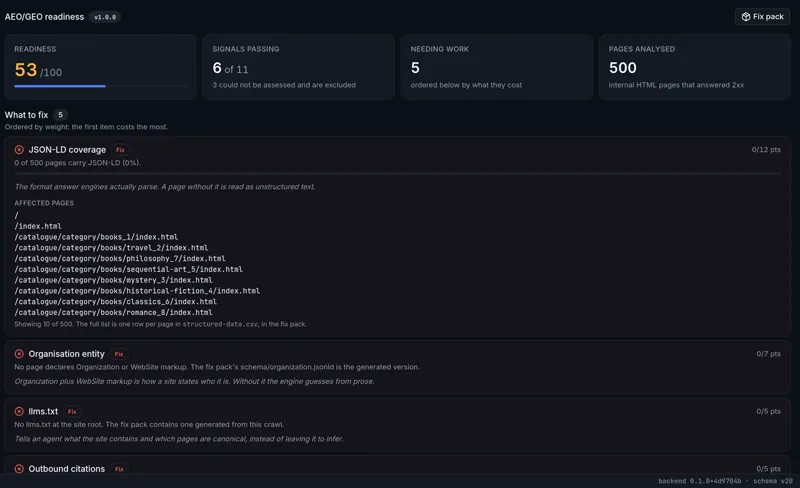
Fourteen signals show if ChatGPT, Gemini and other answer engines can read and quote the site.
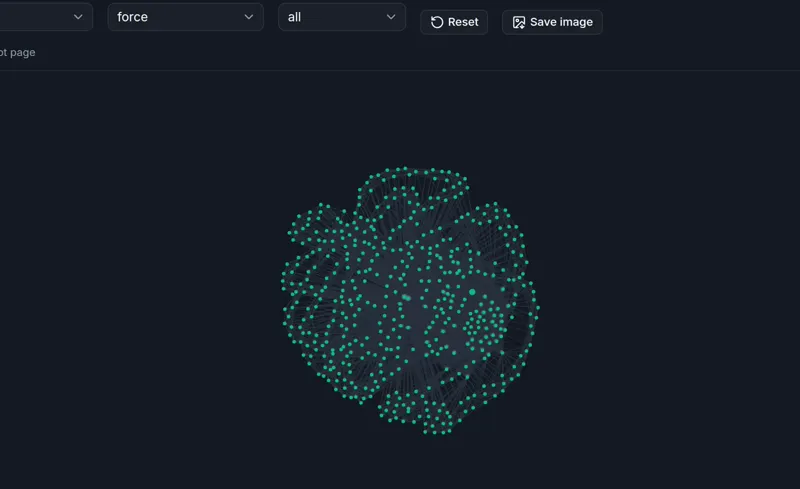
The Graph screen shows how pages link to each other, and marks the pages that no link reaches.
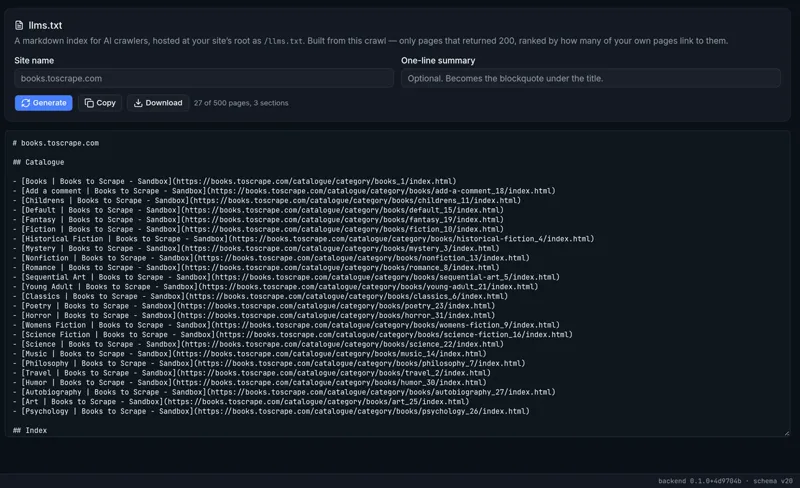
EnterCrawl makes llms.txt from the crawl, with real page titles and only pages that load.
The developer gets one download. You check their work with one click.
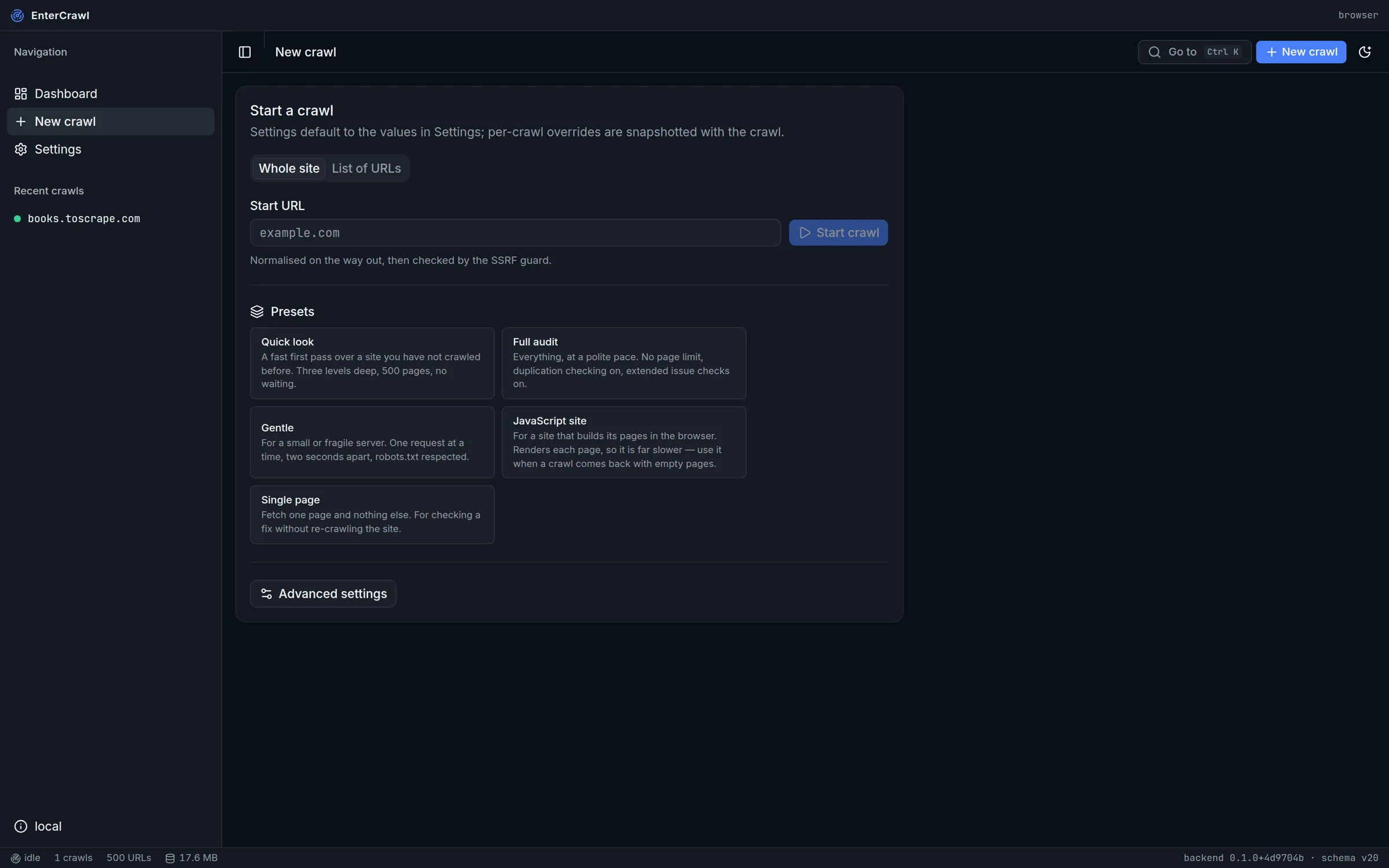
Paste the address, pick a preset and click Start crawl.
One zip file holds the task list and the files the developer uploads.
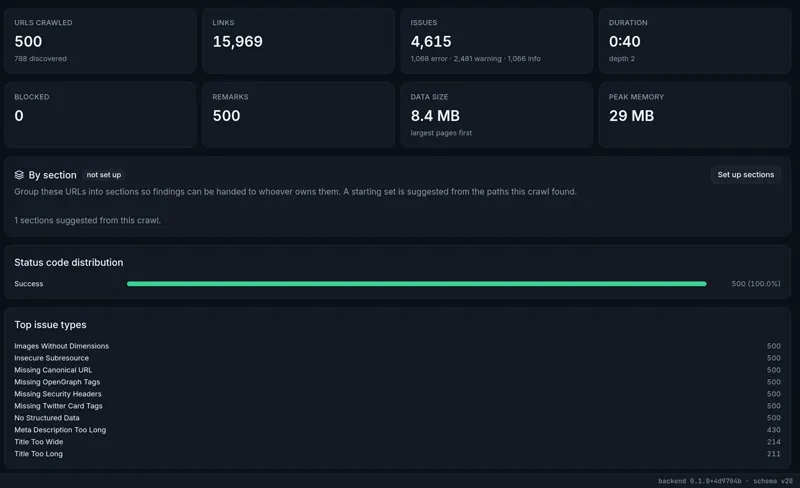
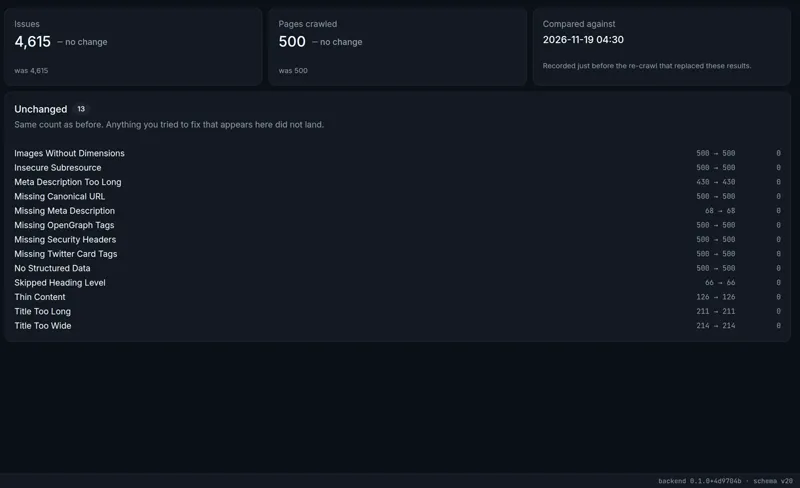
When the fixes are live, click Re-crawl. Verify then shows which issues went away.
No. EnterCrawl is a Windows program for Windows 10 and Windows 11.
On your computer only, in the EnterCrawl folder of your Windows user profile. Nothing goes to an Entermind server.
The file has no digital signature yet, and Windows warns about every unsigned program. Click More info, then Run anyway.
Yes. Pick the JavaScript site preset. EnterCrawl then uses Chrome or Edge on your computer, so the crawl is slower.
Download the new file and use it in place of the old one. Your crawls stay where they are.
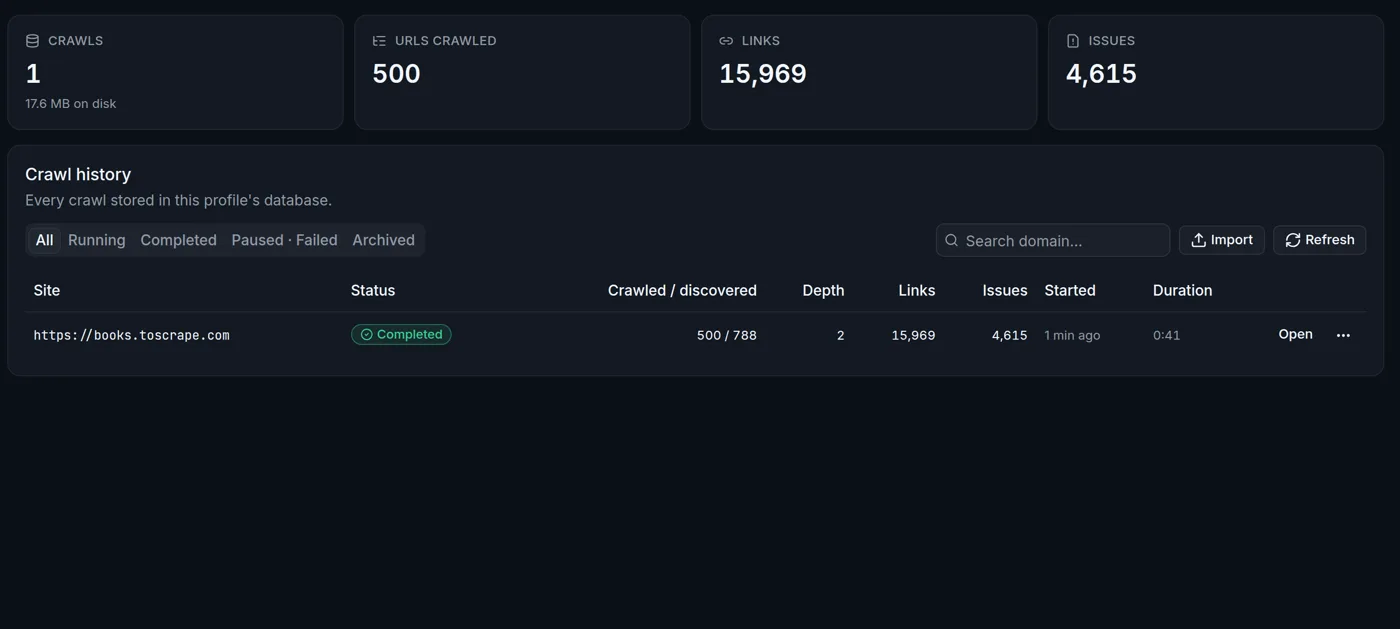
The crawl stops and keeps what it found. Open the Dashboard, click the three dots beside the crawl and click Resume.
Yes. Click Export, tick Crawl archive and send the file. Your colleague clicks Import on the Dashboard.
No, with the normal settings it asks for about one page a second. For a small server, pick the Gentle preset.
Yes, to reach the site you crawl. The robots.txt, AEO/GEO and PageSpeed screens also read the live site.